
Campaigns & sequences
Write, launch, and monitor email campaigns and their follow-up sequences.
1 min read
A campaign sends one first email to a list. Its sequence contains any follow-ups sent in the same Gmail thread to contacts who have not replied.
Campaign statuses
Section titled “Campaign statuses”| Status | Meaning |
|---|---|
| Draft | You are still writing. Nothing can send. |
| Review | The launch review is open. Nothing has sent. |
| Scheduled | The audience is fixed and the campaign is waiting to start. |
| Sending | Messages are leaving inside the sending window and mailbox budgets. |
| Paused | Nothing new is being handed to Gmail. |
| Completed | Every eligible message has finished. |
| Cancelled | The remaining queue was stopped permanently. |
Billing can temporarily hold a scheduled or sending campaign without changing its main status. The campaign page explains what must happen next.
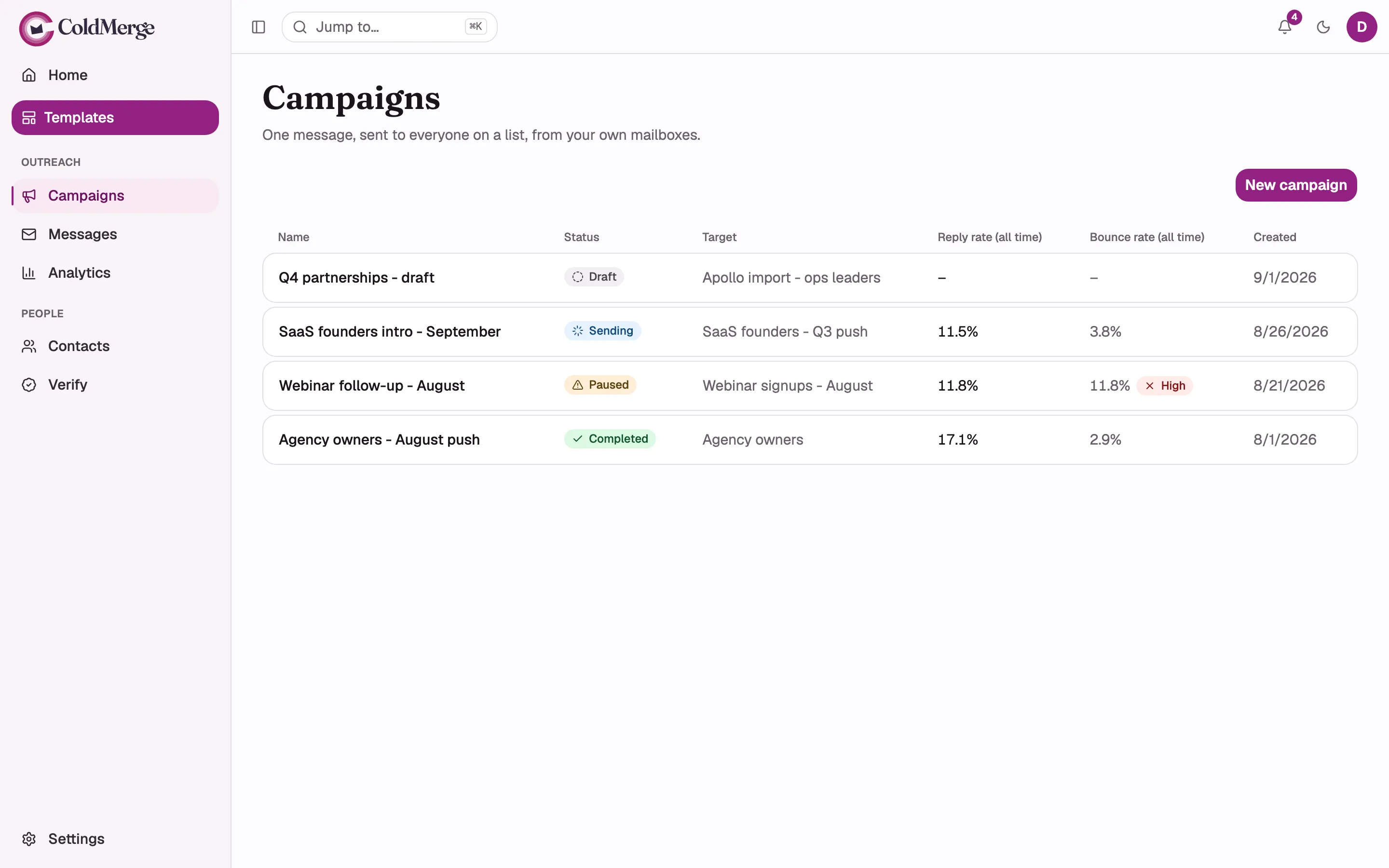
The numbered dots in this screenshot
- Select New campaign to start a draft.
- Read each campaign's status in the list.
Create and launch
Section titled “Create and launch”- Write the campaign.
- Add merge tokens and follow-ups if needed.
- Send a preview.
- Review and launch.
- Monitor or control sending.
Use templates to reuse a message or sequence in future campaigns.